How to install the rom:
->download the rom zip http://www.mediafire...3u1/hwu8681.zip
->put it on sdcard
->download cwm recovery http://www.mediafire...c2/recovery.img
-> download boot.img http://www.mediafire...kqindf/boot.img
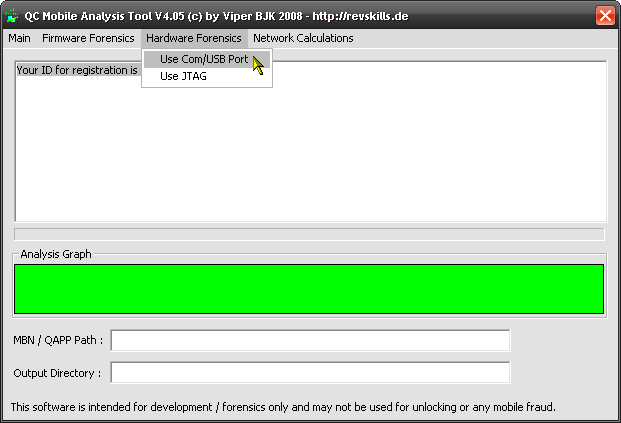
>Press Volume Up + Down Keys + Power to boot into the pink screen.
>Make a backup of the content of the image folder just in case you run into problems.
->Then you replace the revovery and boot.img files in the image folder in the pink screen mode on your computer with the downloaded files. Delete cust.img as well.
->pull out the battery and replace it
->boot in cwm pressing volume up + power
In CWM, power button=back and Camera button=select
->wipe all: factory reset, format system, format HWuserdata, and format dalvik cache also.
->reboot device into cwm recovery
->mount system
->flash the rom zip
->reboot system and wait
You may have to replace the recovery.img and cust.img files if you have the phone booting into cwm recovery whenever the phone is charging whiles off.
Radio does not work.
Thanks to http://www.droidrzr.com
->download the rom zip http://www.mediafire...3u1/hwu8681.zip
->put it on sdcard
->download cwm recovery http://www.mediafire...c2/recovery.img
-> download boot.img http://www.mediafire...kqindf/boot.img
>Press Volume Up + Down Keys + Power to boot into the pink screen.
>Make a backup of the content of the image folder just in case you run into problems.
->Then you replace the revovery and boot.img files in the image folder in the pink screen mode on your computer with the downloaded files. Delete cust.img as well.
->pull out the battery and replace it
->boot in cwm pressing volume up + power
In CWM, power button=back and Camera button=select
->wipe all: factory reset, format system, format HWuserdata, and format dalvik cache also.
->reboot device into cwm recovery
->mount system
->flash the rom zip
->reboot system and wait
You may have to replace the recovery.img and cust.img files if you have the phone booting into cwm recovery whenever the phone is charging whiles off.
Radio does not work.
Thanks to http://www.droidrzr.com